|



 |
Substack is building video infrastructure so that creators don’t need to be editors or videographers. Your job is to create—the rest should feel effortless. You bring your perspective, and Substack turns it into durable media that can travel across the internet.
Today, we’re taking another step toward that vision with desktop live video and enhanced clips. These updates give you more flexibility in how you go live and produce sharper, more engaging highlights automatically.
Whether you’re interviewing a peer, telling a personal story, or responding to breaking news, Substack now makes it easier to capture the moments that matter and share them far beyond your publication.
Here’s what’s new.
Desktop live video
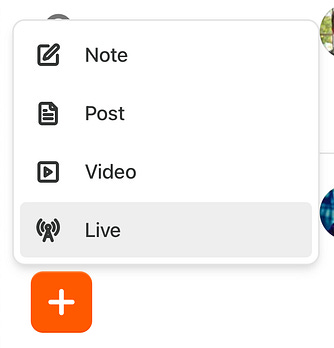
If you’ve gone live from the Substack app before, desktop streaming will feel familiar. You can start a live video the same way you start any post—just click “Create,” and you’ll now see a live video option. Add a title, choose who you’re broadcasting to, and enter a preview room where you can check your setup and talk with any co-hosts before going live.
 |
You can go live on desktop even if your co-hosts are on mobile. Scheduling livestreams on desktop is coming soon.
Learn more about desktop streaming in our Help Center.
Clips are a growth engine
Clips are becoming a meaningful part of how creators share their work and reach new subscribers. As more creators experiment with them, we’re seeing clear signs of momentum.
Here’s what the data shows:
Nearly 50% of all livestream hosts now share or download a clip the same day they go live, taking advantage of clips as a strategic promotional tool.
Since clips rolled out earlier this year, they have directly generated nearly 500,000 free subscriptions across the Substack ecosystem.
Substack-generated clips on external platforms now receive more than 500,000 views every day, thanks to auto-publishing integrations with YouTube and LinkedIn.
Learn more about auto-uploading to YouTube and LinkedIn in the Help Center.
We’ve made improvements to clips to make them even more engaging and easier to share.
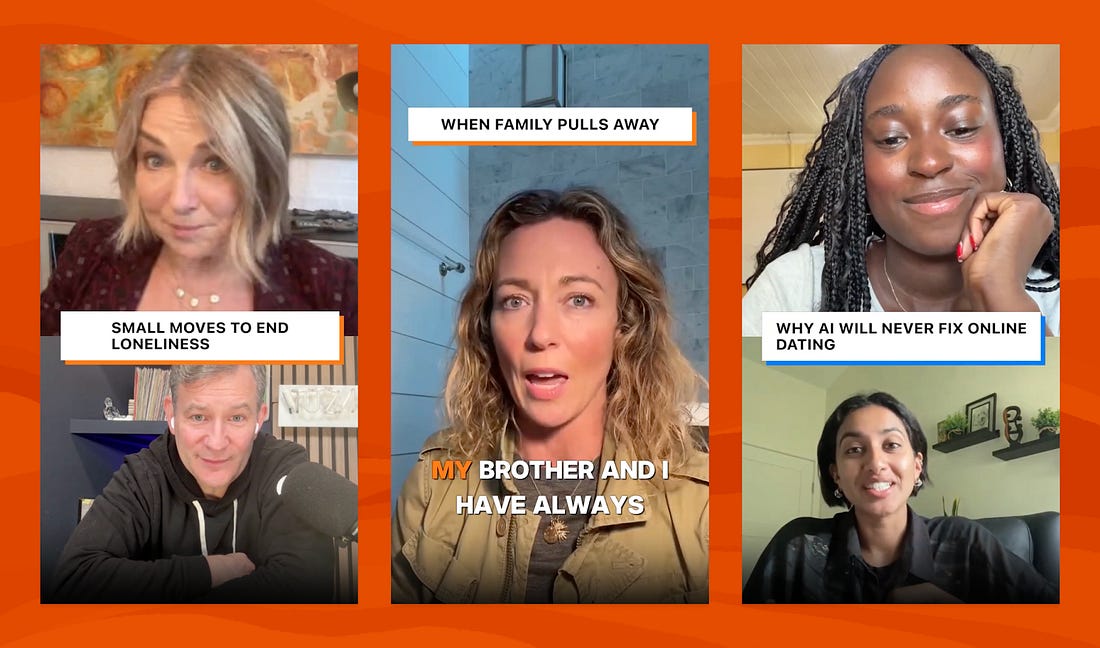
Dynamic editing highlights the active speaker, trims dead air, and adds subtle zooms to make conversations feel sharper.
Clean title cards give every clip a polished opening that captures attention across platforms.
Instant availability means ready-to-share clips appear the moment your livestream ends.
One-tap sharing and downloads make it simple to post clips to Instagram, TikTok, X, YouTube Shorts, LinkedIn, or any other network where you connect with your audience.
How creators are using clips to grow
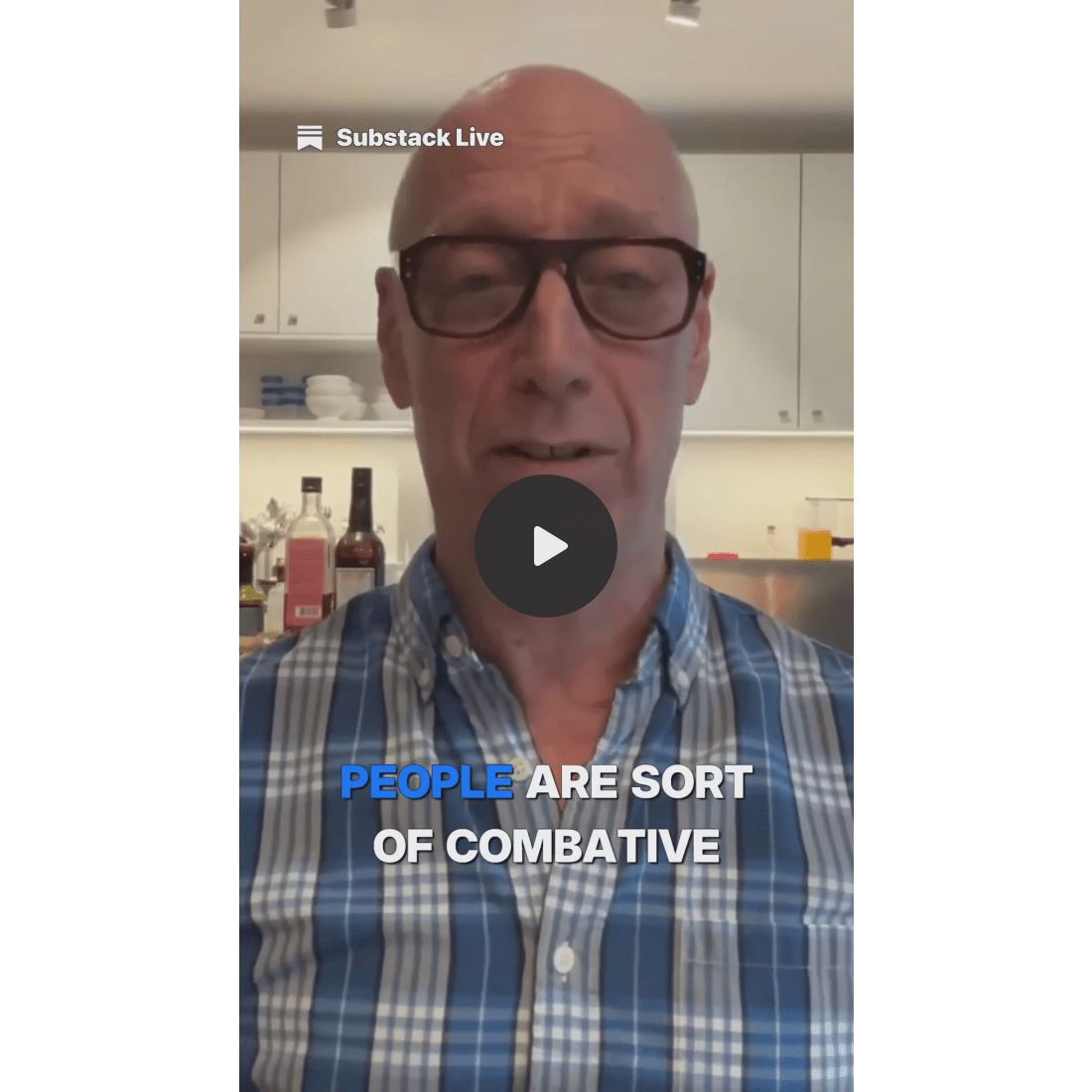
Creators on Substack use clips to capture the moments that resonate with their audience, whether it’s an unscripted insight, an unexpected emotion, or a funny exchange. Substack’s tools make it easy to turn those moments into something you can share anywhere, without needing an expensive setup or technical skills.
Below are a few examples that show the range of what clips can make possible.
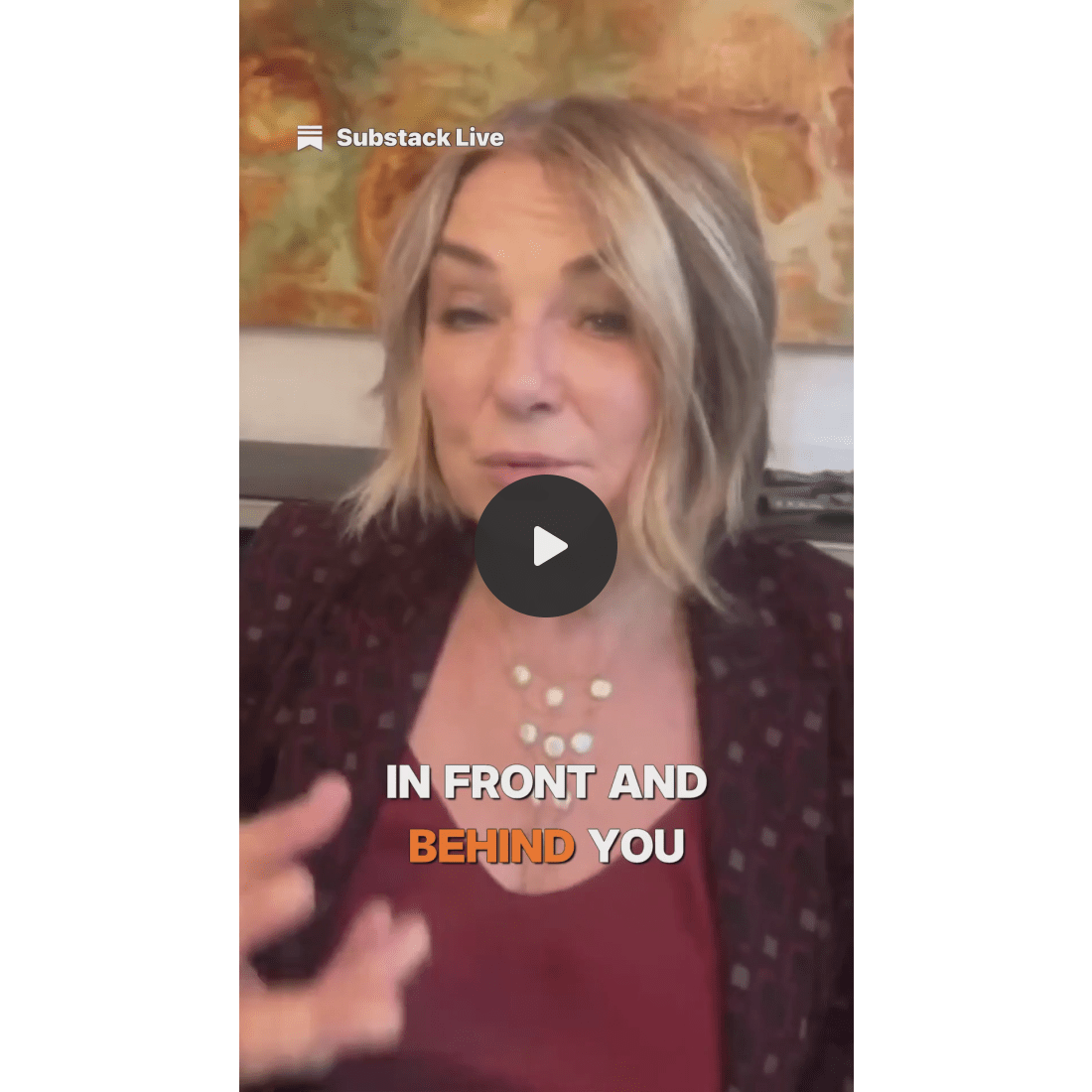
Esther Perel and Dan Harris had a thoughtful conversation about the small, practical actions anyone can take to combat loneliness.
David Lebovitz and Leslie Brenner mused about the unique, and often comically stressful, experience of grocery shopping in Paris.