|
|
|

|
What's New at Tower? |
Two brand new Tower releases are here,
and git-flow-next is ready for prime time! |
|
|
|
|
|
|
|
|
|
|
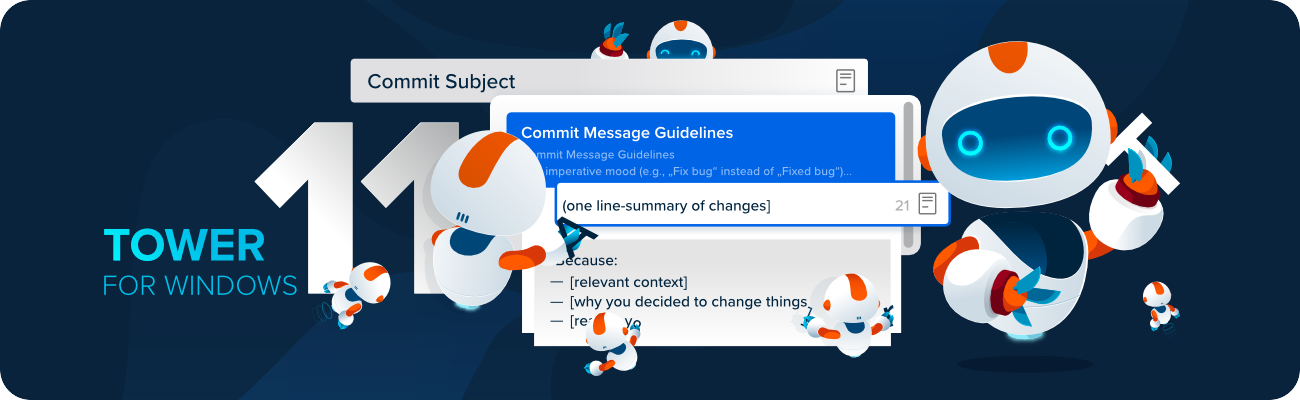
Tower 11 for Windows is here, and it's all about Commit Templates! 😎
One of the main challenges in Git is writing consistent, descriptive, and clear commit messages. Using commit templates can be very helpful for this, especially for teams. Now, you can insert and manage these templates directly within Tower for Windows!
Going forward, we will also offer a new ARM-native version. If you're using a Windows ARM device, you'll automatically receive the optimized version for faster performance.
|
| See What's New
|
|
|
|
|
|
|
|
|
|
|
|
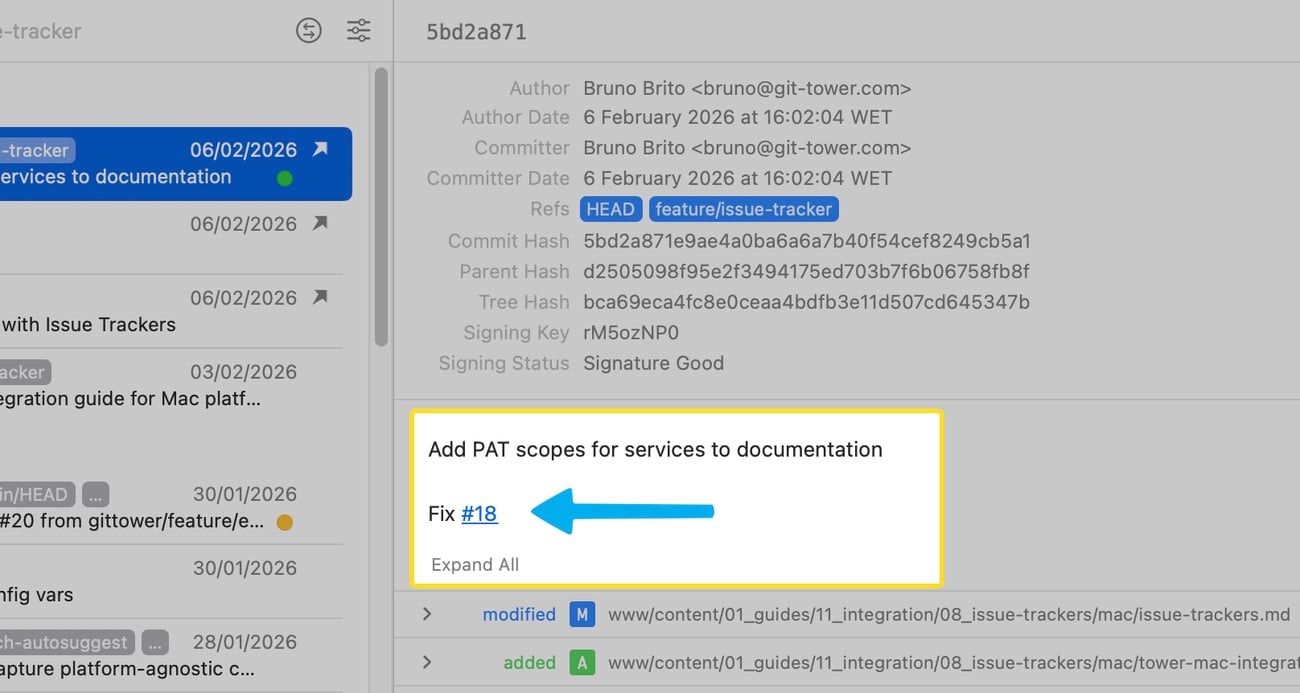
Tower 15.1 for Mac (now in beta) introduces a quality-of-life improvement for issue trackers.
When issue numbers are included in commit messages, Tower will automatically detect and convert them into clickable links! ✌️
|
| Learn More
|
|
|
|
|
|
|
|
|
|

|
Our open-source project has recently reached version 1.0! 🎉
If you're a fan of git-flow, we think you'll appreciate our take on it. It's fully compatible with both the original git-flow and git-flow-avh, maintained by our team, and there are some exciting features coming up on the roadmap.
Check out our GitHub repository and get involved with the project!
|
| Release Blog Post
|
|
|
|
|
|
|
|
|
|
💡 Tower Tip – Quick Commit |
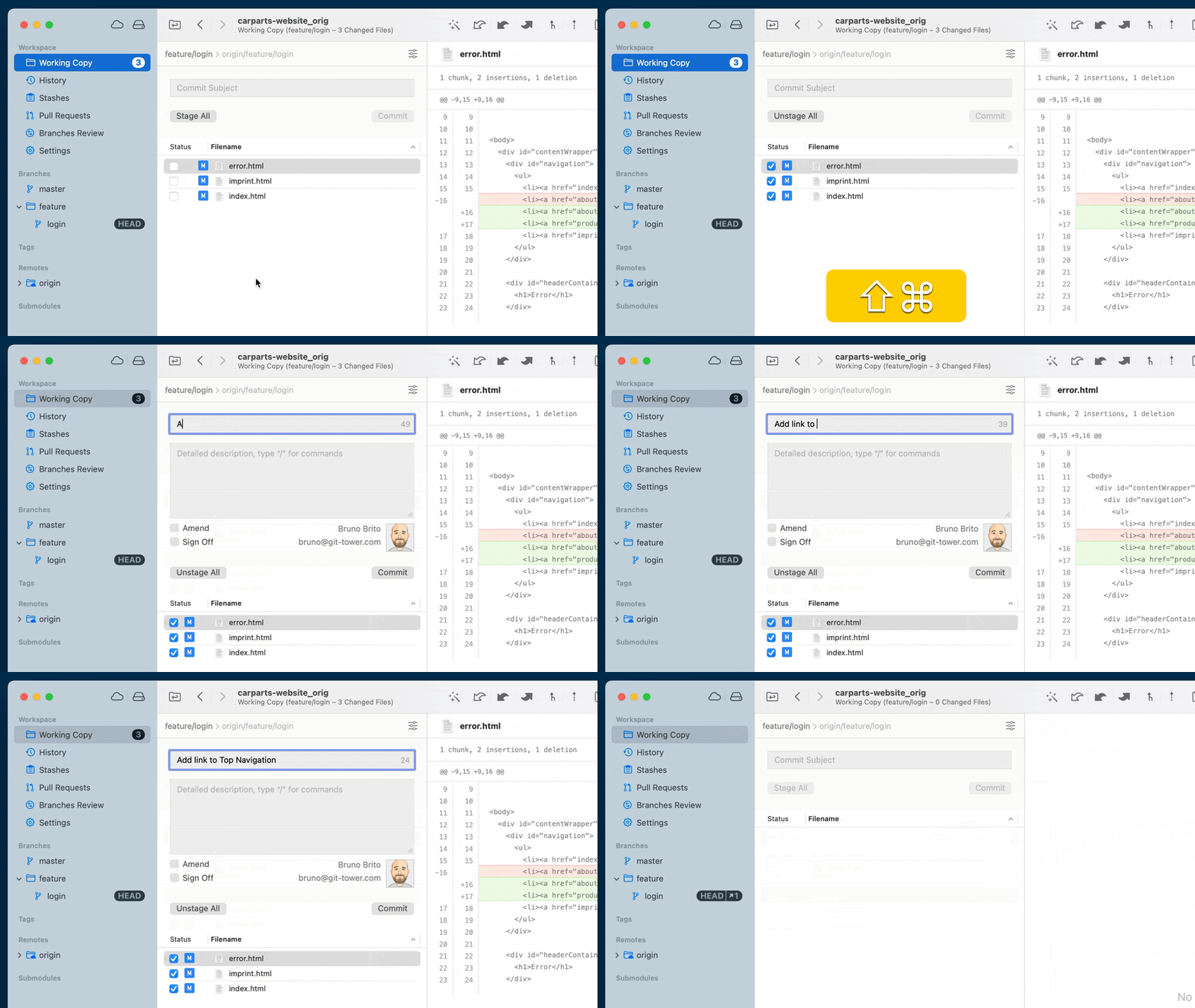 |
For lightning fast commits, memorize these 3 keyboard shortcuts:
- ⌘ + ⇧ + E to stage all current changes.
- ⌘ + ⇧ + C to activate the commit dialog.
- ⌘ + ⏎ to add that commit to the commit history.
|
|
|
|
|
|
|
|
|
|

|
Git Config has a lot to offer, but many users have only used it to set their name and email. It's time to fully customize your Git experience!
In this comprehensive guide, we'll explore the ins and outs of git config, from the foundational settings to the "hidden gems" that will make you a Git power user.
|
| Master Git Config
|
|
|
|
|
|
|
|
|
|
Win our "Git Coffee" Mug! |

|
Support Tower for a chance to win our popular Git Coffee mug! Simply share our latest Tower for Windows release to enter the giveaway! 🎁
To participate, click the link below, send out the resulting tweet (or copy and paste), and follow us. That's it!
We’ll notify the winners on February 26, 2026. Good luck!
|
|
|
Thank you for your support!
The Tower Team
|

|
|
|
|
|
|