Title
͏ ͏ ͏ ͏ ͏ ͏ ͏ ͏ ͏ ͏ ͏ ͏ ͏ ͏ ͏ ͏ ͏ ͏ ͏ ͏ ͏  ͏ ͏ ͏ ͏ ͏ ͏ ͏ ͏ ͏ ͏ ͏ ͏ ͏ ͏ ͏ ͏ ͏ ͏ ͏ ͏  ͏ ͏ ͏ ͏ ͏ ͏ ͏ ͏ ͏ ͏ ͏ ͏ ͏ ͏ ͏ ͏ ͏ ͏ ͏ ͏  ͏ ͏ ͏ ͏ ͏ ͏ ͏ ͏ ͏ ͏ ͏ ͏ ͏ ͏ ͏ ͏ ͏ ͏ ͏ ͏  ͏ ͏ ͏ ͏ ͏ ͏ ͏ ͏ ͏ ͏ ͏ ͏ ͏ ͏ ͏ ͏ ͏ ͏ ͏ ͏  ͏ ͏ ͏ ͏ ͏ ͏ ͏ ͏ ͏ ͏ ͏ ͏ ͏ ͏ ͏ ͏ ͏ ͏ ͏ ͏  ͏ ͏ ͏ ͏ ͏ ͏ ͏ ͏ ͏ ͏ ͏ ͏ ͏ ͏ ͏ ͏ ͏ ͏ ͏ ͏  ͏ ͏ ͏ ͏ ͏ ͏ ͏ ͏ ͏ ͏ ͏ ͏ ͏ ͏ ͏ ͏ ͏ ͏ ͏ ͏
1Password
Everything at your fingertips


Hello from 1Password 😃

Have you ever been checking out online and needed to fill in your address? Of course you have!

With 1Password’s browser extension, you can fill in all of that information and much more in just a click – simple and easy.

So whether you’re saving a new account login or passkey, or signing in with a provider like Google, you have everything available at your fingertips.

Ready to try it out? Download the browser extension and get started with our interactive tutorial.

Get 1Password in your browser


Curious about what else you can do with the browser extension?
Suggested password
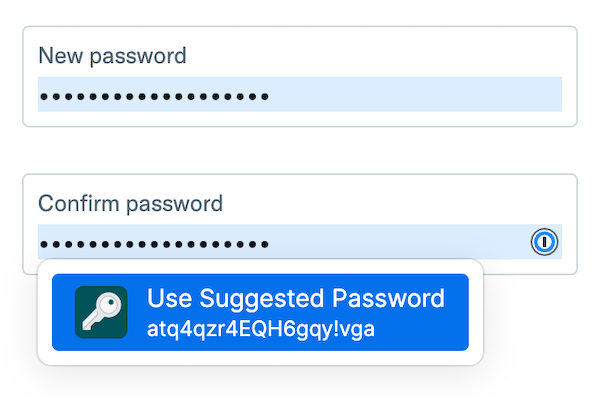
Use suggested passwords

Get strong password suggestions when you’re changing a password or signing up for a new account.

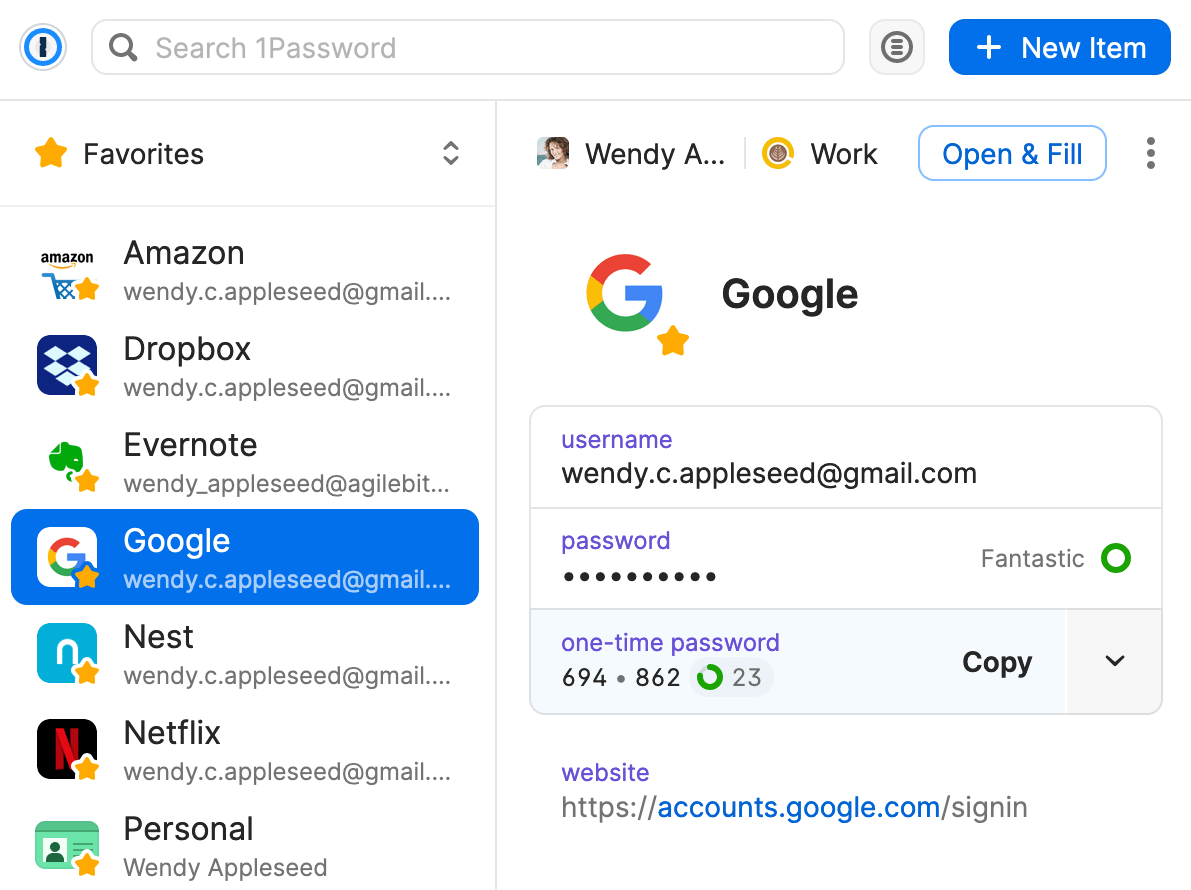
Fill one-time passwords

1Password doesn’t just tell you when an account supports two-factor authentication – it can also act as an authenticator for those sites.

Passkeys
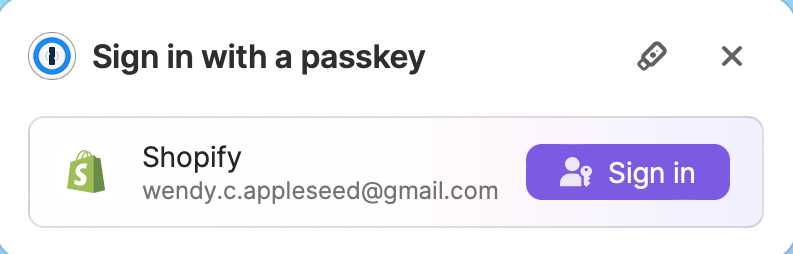
Sign in to sites with a passkey

Passkeys are an easier and more secure alternative to passwords. You can use 1Password to save passkeys and sign in to websites with passkeys in your browser.

And so much more!
Get 1Password in your browser


You received this email because you started a trial of 1Password.

Privacy PolicyContact Support
4711 Yonge St., 10th Floor • Toronto • Ontario • M2N 6K8 • Canada
© 2026 1Password. All rights reserved.

Icon-X.png Icon-facebook.png Icon-youtube.png Icon-linkedin.png