FEATURED WORKFLOW Real‑Time Integration Using Salesforce Outbound Messages |
Salesforce Outbound Messages remain a practical option for event-driven data provisioning, especially when reliability and codeless configuration are important. When paired with KingswaySoft's Integration Gateway, they can support real-time delivery of Salesforce record changes to external systems through a lightweight webhook-based approach.
In this blog, we show how to configure Salesforce Outbound Messages and Workflow Rules, then use Integration Gateway to receive and handle the incoming SOAP/XML payloads for downstream processing.
Key Highlights from the Blog: Learn how Salesforce Outbound Messages support event-driven, codeless integration See how to configure Integration Gateway to receive inbound webhook requests Review how Workflow Rules and Outbound Messages work together to send record changes to external systems
|
FEATURED CONTENT Streamlined File Compression for Cloud Storage Connections in ETL Processes |
File compression plays an important role in ETL workflows, especially when teams need to reduce storage usage, improve transfer efficiency, and prepare files for downstream processing. With cloud-based architectures, relying on local staging can add extra overhead, latency, and security concerns.
In this blog, we show how the Compression Task in KingswaySoft's SSIS Integration Toolkit now supports cloud connection managers in v26.1, allowing files to be compressed or decompressed directly between supported cloud storage platforms without local staging.
Key Highlights from the Blog: Learn how to compress files directly from one cloud storage location to another using the Compression Task See how to decompress ZIP files from cloud storage into a destination cloud directory Understand how cloud-based compression in v26.1 helps reduce local staging and simplify ETL workflows
|
FEATURED TECHNIQUE Using Pentaho (Spoon/Kettle) with KingswaySoft JDBC Driver Pack: A Step-by-Step Guide |
Connecting Pentaho Data Integration with KingswaySoft's JDBC Driver Pack gives teams a practical way to work with cloud and enterprise application data through familiar SQL-based access. This approach can simplify ETL development by reducing the need to work directly with complex APIs.
In this blog, we walk through how to install the JDBC driver in Pentaho, create the connection, and use it to read and write data within Pentaho Data Integration. We also cover batch writing and a few troubleshooting and performance tips to help support larger ETL workloads.
Key Highlights from the Blog: Learn how to install and configure KingswaySoft's JDBC Driver Pack in Pentaho Data Integration See how to read and write data using Table Input and Table Output steps Review batch writing, troubleshooting, and performance considerations for larger ETL processes
|
UPDATED BLOG
Setting Up Modern OAuth Connections for Salesforce |
Salesforce is continuing its shift away from legacy authentication, making it important for integration teams to move toward supported modern OAuth options. This is especially relevant for users upgrading to newer releases or reviewing their existing Salesforce connection settings.
In this updated blog, we walk through how to create a Salesforce External Client App, gather the required OAuth details, and configure the Salesforce Connection Manager in KingswaySoft’s SSIS Integration Toolkit using modern authentication.
Key Highlights from the Blog: Understand the shift away from legacy Salesforce authentication methods Learn how to create a Salesforce External Client App for OAuth See how to configure the Salesforce Connection Manager using supported OAuth options
|
NEW RELEASE AVAILABLE
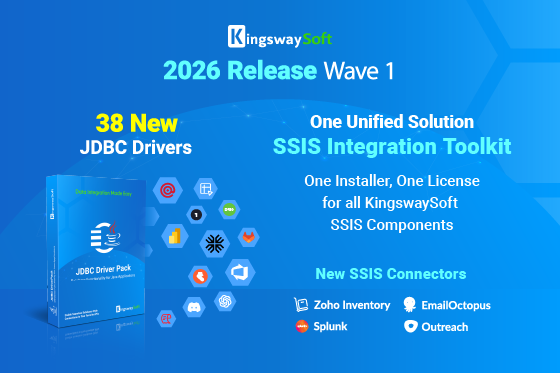
2026 Release Wave 1 |
This release represents a major milestone for KingswaySoft, with all SSIS capabilities now delivered under the SSIS Integration Toolkit, replacing the former SSIS Integration Toolkit - Ultimate Edition product offering. The release also includes expanded JDBC connectivity and continued Integration Gateway enhancements to support efficient and reliable data workflows. |
CASE STUDY SPOTLIGHT
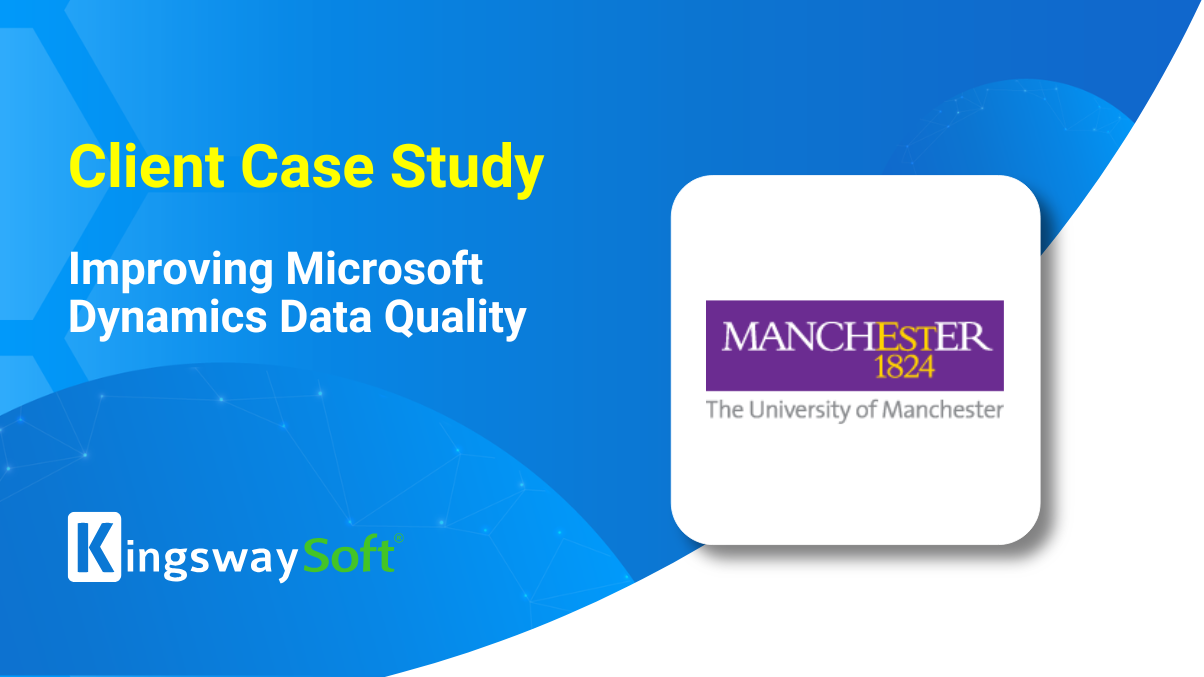
Improving Microsoft Dynamics Data Quality at The University of Manchester |
The University of Manchester, one of the UK's leading research-intensive universities, needed a structured approach to address duplicate contact records in Microsoft Dynamics while working within its existing SSIS environment. The project required accurate duplicate identification, record merging, and stronger data quality controls to help reduce future duplication.
In this case study, see how the team utilized KingswaySoft's SSIS Integration Toolkit to configure a duplicate management process in Microsoft Dynamics, validate the solution through a proof of concept, and execute the production run successfully.
Key Results: 100K+ duplicate records addressed 600+ integrations in the environment 50+ IT systems across the university Production run completed successfully
|
NEW VIDEO RESOURCES Getting Started with HTTP Connection Manager |
This video introduces the HTTP Connection Manager in KingswaySoft's SSIS Integration Toolkit. It covers how to configure HTTP connections for web services and APIs within SSIS, including authentication, custom headers, timeout settings, proxy configuration, certificates, and testing for various connectivity scenarios. |
Getting Started with Cosmos DB Components |
This video provides an overview of the Cosmos DB components in KingswaySoft's SSIS Integration Toolkit. It walks through the setup of the Cosmos DB Connection Manager and demonstrates how the Cosmos DB Source and Destination components can be used to move data into and out of Cosmos DB within SSIS. |
We are always looking to showcase the work of organizations achieving meaningful results through integration. Participating in a case study is an opportunity to highlight your success, gain visibility within your industry, and share your story with a broader audience.
If this is something you'd be interested in, you may contact us at marketing@kingswaysoft.com or submit the details using the form below. |
We Want to Hear From You! |
We would love to hear from you. We want to make sure that your interactions with us are easy and smooth. Fill us in - it will only take 3 minutes. Your feedback is greatly appreciated and will help improve your future experience with us. |
|
|
|