Introducing Image Walkthroughs
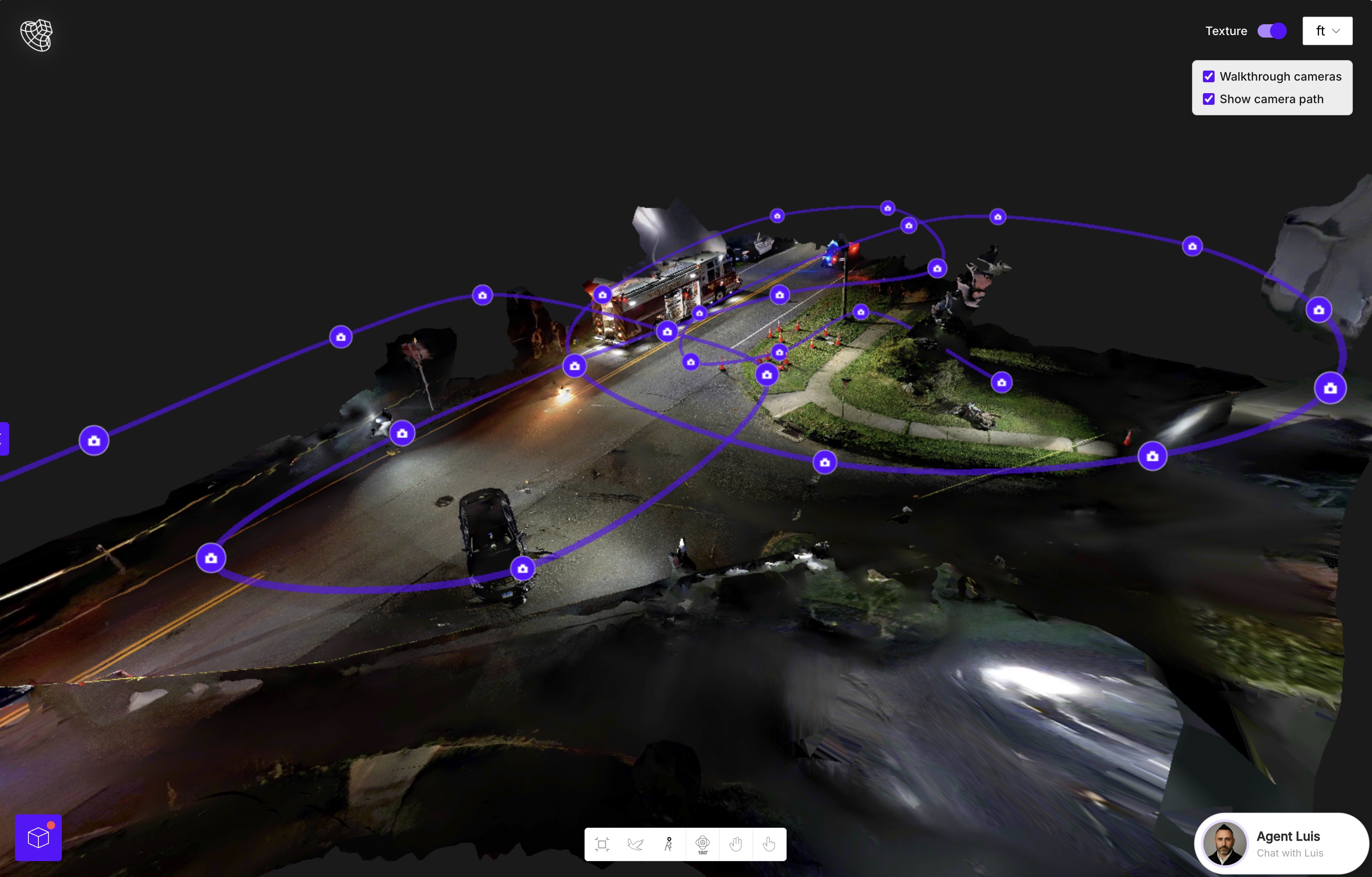
This one is going to change how you navigate your 3D models. Image Walkthroughs are now available for Lite and Premium users.
When you upload a video into SkyeBrowse, we now show image icons throughout your 3D model.
Select any image icon and the image viewer opens up. From there, you can zoom in, pan around, and inspect the scene in detail.
This works especially well with 360 videos. Since the camera sees in every direction, you can look around the scene from each capture point.
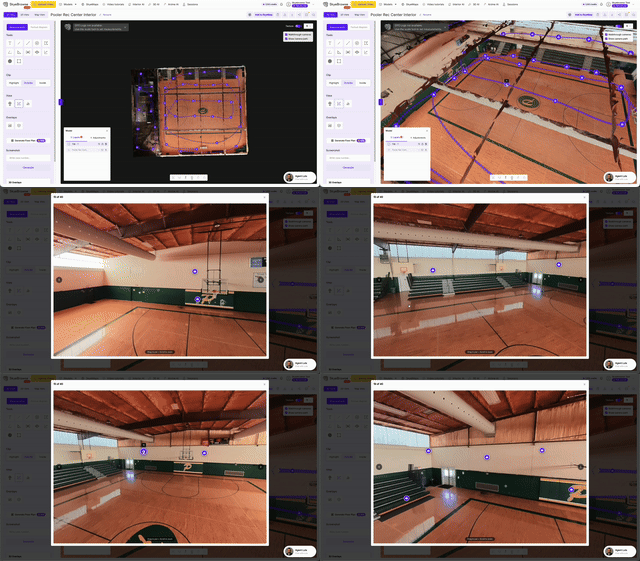
This is great for inspections, construction, real estate, CSI, and pre-plans.
Watch Video
|