|
AltTabby .80 Now Available
New Features, Improved Hotkeys, and More
Today we are releasing an update for AltTabby that brings more control over how each of your hotkeys behaves along with new display options and a few fixes. The update is rolling out now and will be available on your PC within a week or you can manually check for an update from the About panel in the settings window. Much of this release is centered around providing hotkeys more control. Settings like sticky status are now saved per hotkey, so the switcher you use for cycling through everything can behave differently than the one you use for a single app. Sticky also picked up a new semi-sticky option, which keeps the switcher open only after the hotkey has been held for a certain amount of time, a nice middle ground for anyone who wants sticky behavior for longer sessions but not on a quick tap.
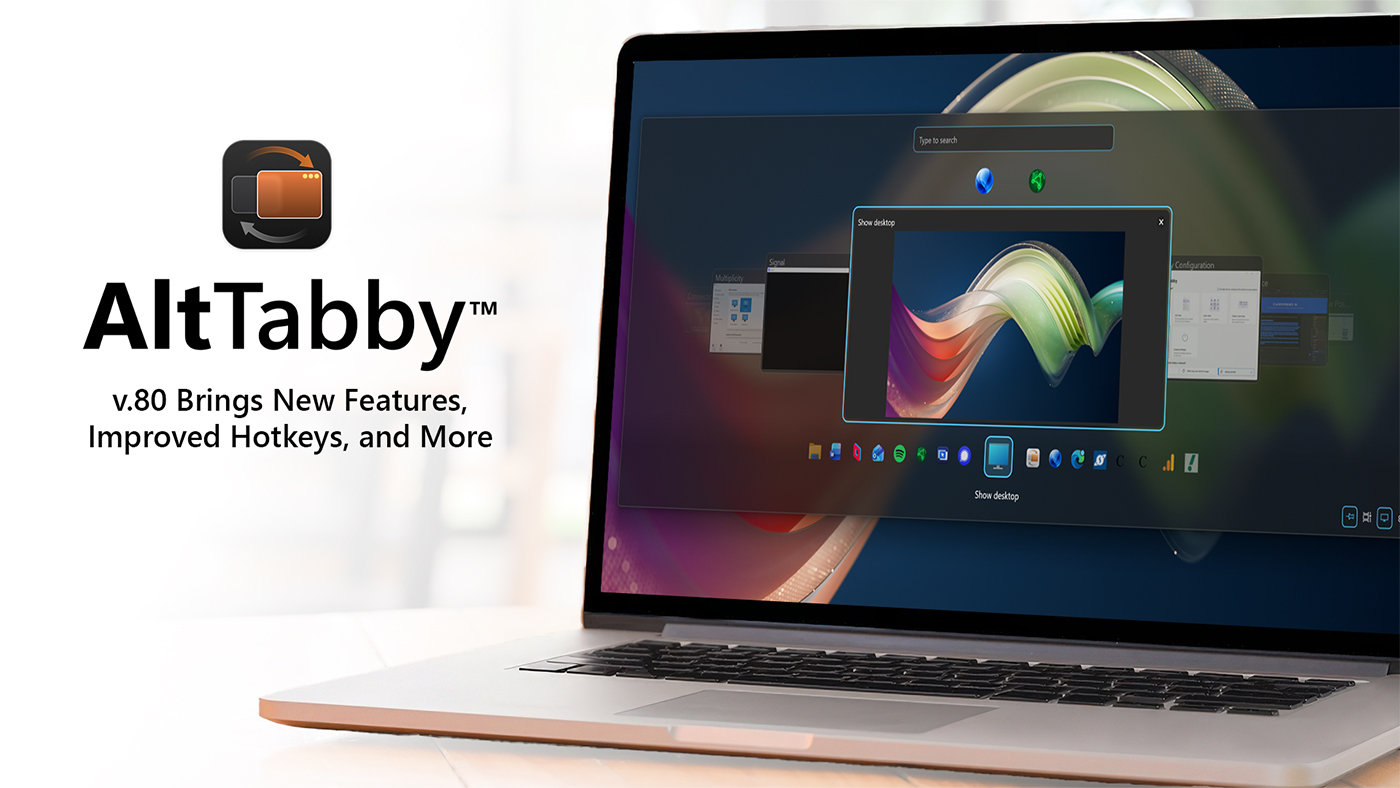
There are also new options for what shows up in the switcher and how. The desktop can now appear as an item in the list, either pinned in place or at the end, so minimizing everything is only a keystroke away. Carousel fans will find a new option (click the cog on the settings screen) to show tabs on the main window card too, and when using per app switching there is a new option to decide how tabs are displayed.
Rounding out the release are a couple of fixes, including one for some windows not showing correctly in the switcher and another for the audio playing icon flickering on items.
If you haven't tried AltTabby yet, you can learn more about it on the app page and if you have any feedback, make sure to let us know as releases like this are shaped directly by how customers are using their hotkeys and layouts. |