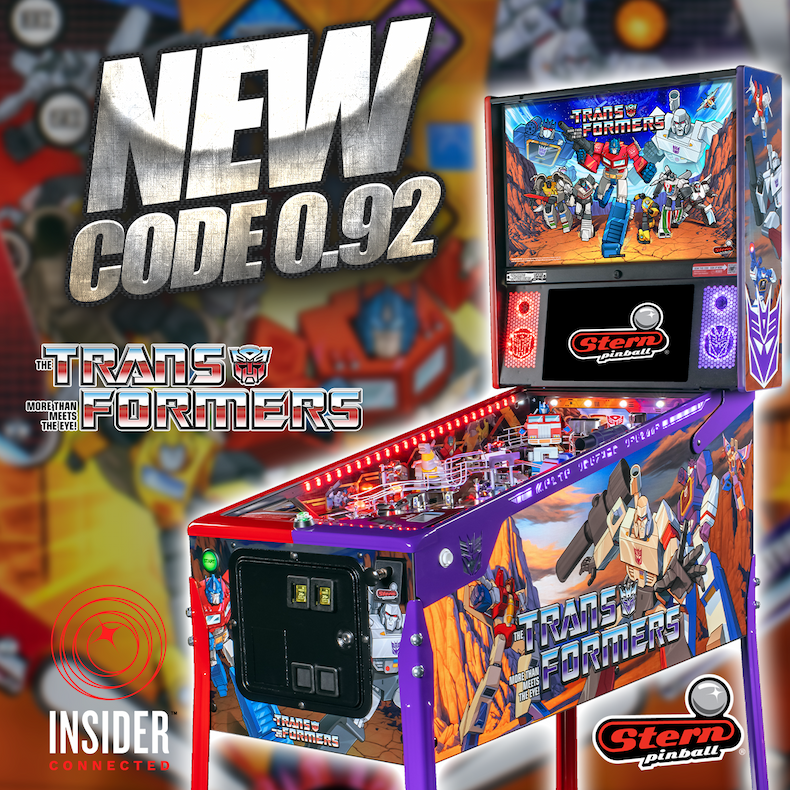
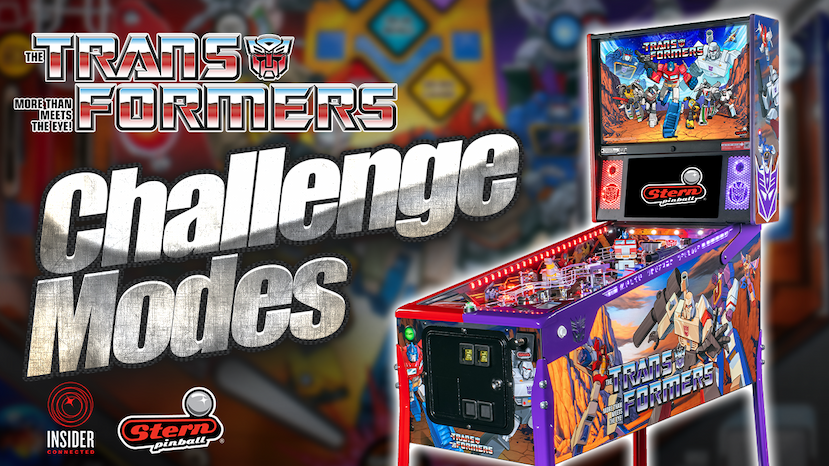
NEW CODE! Stern Pinball has posted new TRANSFORMERS: More Than Meets the Eye code v0.92.0 for the Pro, Premium, and Limited Edition models. This Prime Training code contains the following updates:
NEW
-Prime Training Mode
-Added this new challenge mode to provide an environment for players to practice their pinball skills.
-Includes 3 main top-level modules: TRAINING, MISSION PREP, and MULTIBALL.
-TRAINING: includes 5 skill-building drills, each run as a set of timed stages with unlimited ballsave.
Uses IC to track personal bests for each stage (displayed on the UI, not accessible via app)
-Skillshot: practice your skillshot on demand; hit the action button to serve a fresh ball as desired.
-Flipper Skills: cycle through instructional flipper-technique demos (deadbounce, cradle, post-pass, etc.)
-Main Shot/Target Modules: 3-4 stages of unique objectives, each with custom animations.
-MISSION PREP: run any of the standard game's five missions as a standalone practice rep,
at a chosen difficulty (Energized / Normal / Rusted),
with its own best-score IC tracking per mission and difficulty.
-MULTIBALL: jump straight into a practice run of any of five multiballs: TF MB, Dinobot MB, Tech Spec Mania, Combiner MB, Rescue Optimus.
TWEAKS
-Ghost in the Machine
-Added a new outlane ballsave mechanic: light enough targets and the outlane becomes lit for a ballsave.
-The light effect that telegraphs the flipper-kill is now much easier to read.
-Fixed a bug where the action button was not turning the flippers back on while balls were plunging.
-Added add-a-ball ballsave timer specifically for Ghost Machine.
-Rescue Optimus timers raised: P1 75s->95s, P2 75s->85s.
-Adjusted flipper power defaults (only applies on new builds).
-left: 240->228, right: 240->230, upper-right: 245->235.
BUGS
-Play music during the second part of The Movie: The Mode.
-Fixed a rare bug where the "Shoot Again" light effect can hang.
-HBD to EAG.
Automatically download and update game code installation through the award-winning Insider Connected platform!
1. Open the coin door and press the black/enter button to enter Test Mode.
2. Using the 4 buttons on the coin door, navigate to the Stern Insider Connected Setup menu.
3. Using the 4 buttons on the coin door, navigate down to the Software Update menu.
4. If a software update is available, this page will give you the option to download and install it manually. From this menu you can also select to install these updates automatically.
Code updates and read me files are available at sternpinball.com/support/game-code/.